Activity log
The Activity log shows the MQTT traffic between this app and the broker, live.
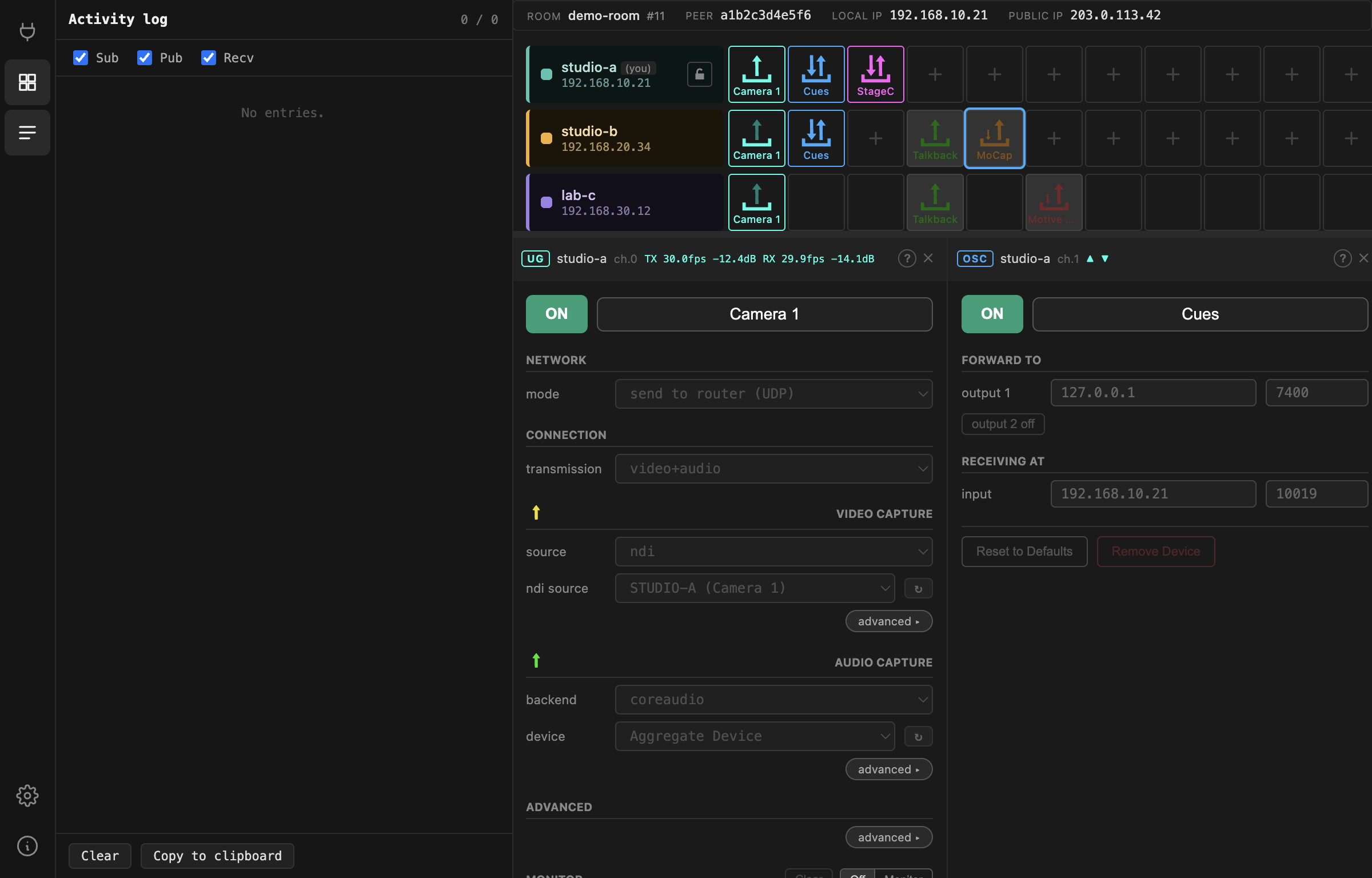
Every line is one message:
| Kind | Meaning |
|---|---|
SUB / UNSUB |
subscribed to / stopped listening to a topic pattern |
PUB |
this app published something |
PUB r |
published retained — the broker keeps it for peers joining later |
RECV |
something arrived from the broker |
The filters at the top switch each kind on and off; the panel keeps the last 500 lines and auto-scrolls unless you scroll up.
Why it looks like an echo chamber
Because it is. Nothing in the Gateway acts on a change directly. Pressing a button
publishes the new value, the broker sends it back, and only then does anything
happen. So a single click shows up as a PUB immediately followed by a RECV
of the same topic:
[09:41:20.412] PUB r /peer/a1b2.../channel.0/device/gui/enable 1
[09:41:20.549] RECV  /peer/a1b2.../channel.0/device/gui/enable 1
The gap between those two lines is your round trip to the broker — a useful number when the interface feels sluggish.
The same design is why a remote peer changing your device is indistinguishable
from you changing it: both arrive as a RECV on the same topic.
What to look for
A PUB with no matching RECV — the broker did not accept or echo the
message. Usually the connection has dropped.
RECV on a peer you did not expect — someone else is editing that channel.
Nothing at all after joining — subscriptions never established. Leave and rejoin.
Retained clears — empty values on topics you used to own, which is what a device teardown looks like when it removes its state from the broker.
Reading the topics
Topics follow a fixed shape:
/peer/<peerId>/rack/page_0/channel.<n>/loaded
/peer/<peerId>/rack/page_0/channel.<n>/device/gui/<field>
/peer/<peerId>/settings/<field>
loaded is the device type on that channel: 0 empty, 1 OSC, 2 UltraGrid,
3 MoCap, 4 StageControl, 5 Motive bridge. Everything under device/gui/
is that device's configuration.
Copy puts the visible lines on the clipboard — the right thing to attach to a bug report. Check it for your room name and peer names before sending it anywhere.