FAQ
Firewall
One machine receives the stream, another does not
Almost always the firewall on the machine that is not receiving. Both Windows and macOS ask for confirmation the first time an application accepts incoming connections — usually once per channel — and a dismissed prompt fails silently from then on.
System Settings → Network → Firewall → Options, and allow incoming connections for the UltraGrid and NatNet processes.
Screenshot pending
The incoming-connection prompt — os-macos-firewall-prompt.png
Screenshot pending
Firewall options list — os-macos-firewall-options.png
Settings → Update & Security → Windows Security → Firewall and network protection → Allow an app through the firewall, and tick both Private and Public for the UltraGrid and NatNet entries.
Screenshot pending
The allow-access dialog — os-windows-firewall-prompt.png
Screenshot pending
Allowed apps list — os-windows-firewall-allowed-apps.png
Process names
The exact process names to look for depend on the build and are not yet documented here. They appear in the prompt itself when you enable a device for the first time.
To confirm the firewall is the cause before changing anything, open the channel's proxy status. If the receiving peer never appears in the client list, its packets are not reaching the router at all.
Which ports need to be open?
See Ports.
Video
Sending a Spout stream, but the receiver gets a black texture
Check the local Spout settings. The sending machine needs to be able to share
textures over the GPU, which means a dedicated graphics card. Opening the Spout
settings (C:\Program Files\SPOUT-2007\SPOUTSETTINGS) and confirming with OK
has been enough to fix this.
Screenshot pending
SPOUTSETTINGS dialog — ext-spout-settings.png
Sending audio from an NDI stream degrades the video quality
Route the audio separately rather than taking it from the NDI source — on macOS via BlackHole, on Windows via a comparable virtual cable. See Audio on macOS.
The capture source list is empty
Press the ↻ button next to the list. It is only populated when the list is
built, so a source started afterwards will not appear until you refresh.
If it stays empty, the source is not actually publishing, or UltraGrid cannot see it — check with a standalone Syphon/Spout/NDI monitor first.
Rooms and peers
I mistyped the room password when creating the room
The password is fixed for the life of the room and cannot be changed. Everyone has to leave; once the last peer leaves, the router removes the room and you can recreate it with the right password.
A peer that is not there any more still shows in the matrix
Something force-quit and left its retained state on the broker. Have that machine rejoin and leave properly, which clears it.
Devices reappear after I removed them
The removal did not reach the broker — usually because the connection dropped partway through. Check the Activity log for the retained clears, and try again while connected.
Can I be in two rooms at once?
No. One room per running instance.
Performance
Interactions feel sluggish
Every interaction makes a round trip to the broker before anything happens — see
Activity log. On a
public broker 50–200 ms is normal. The timestamps of a PUB/RECV pair tell you
your actual round trip.
Streams keep running but I cannot switch anything off
The broker connection has dropped. Media is UDP and never passes through the broker, so it is unaffected — but all control does. Reconnect from the Session view.
A device switched itself off
UltraGrid or NatNetFour2OSC exited. The Gateway does not restart them; it switches the device off and writes the error to the monitor log. Open Monitor on that device and read it.
Everything else
Where are my settings stored?
See Settings. The file contains your router password in plain text — do not attach it to bug reports.
Can I use this without a telemersive-router?
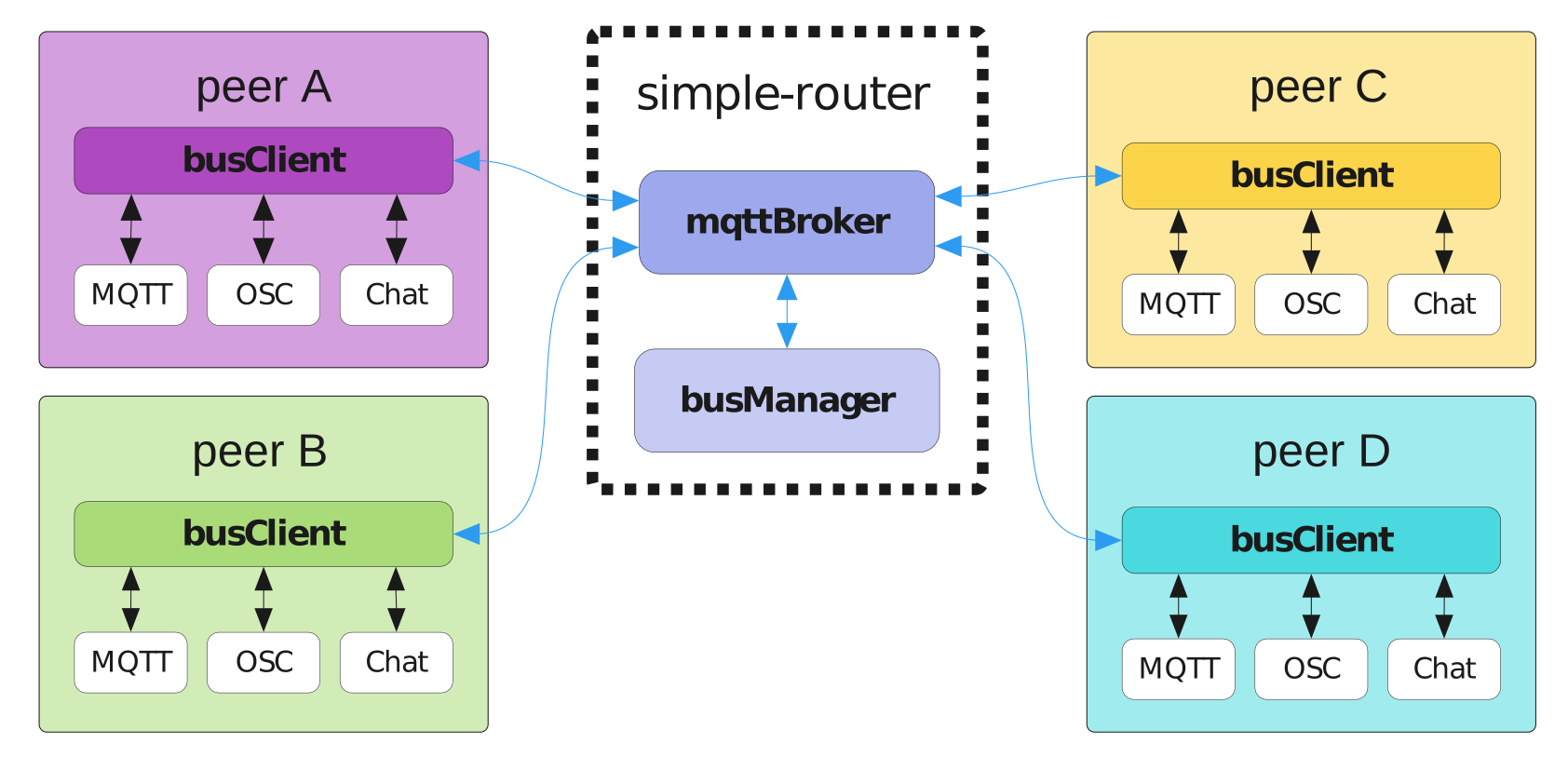
Not for this app. The telemersive-bus client library offers a reduced feature set — chat, MQTT, OSC-as-lists, a connection speed test — without needing a router, but not the device relaying that the Gateway is for.
Does it work with the old Max gateway?
Yes, in the same room, in both directions. See Max compatibility.
How do I report a problem?
Open an issue on GitHub. Useful to include: what you expected, what happened, your OS and app version (About), and a copy of the Activity log — checked first for room names, peer names and anything else you would rather not publish.